
Something has stopped working. That is what this page is for.
Repairs, networks, email and backup for homes and small offices across Bedfordshire and Hertfordshire. Diagnosed first, so you know what is wrong before you pay to fix it.
first
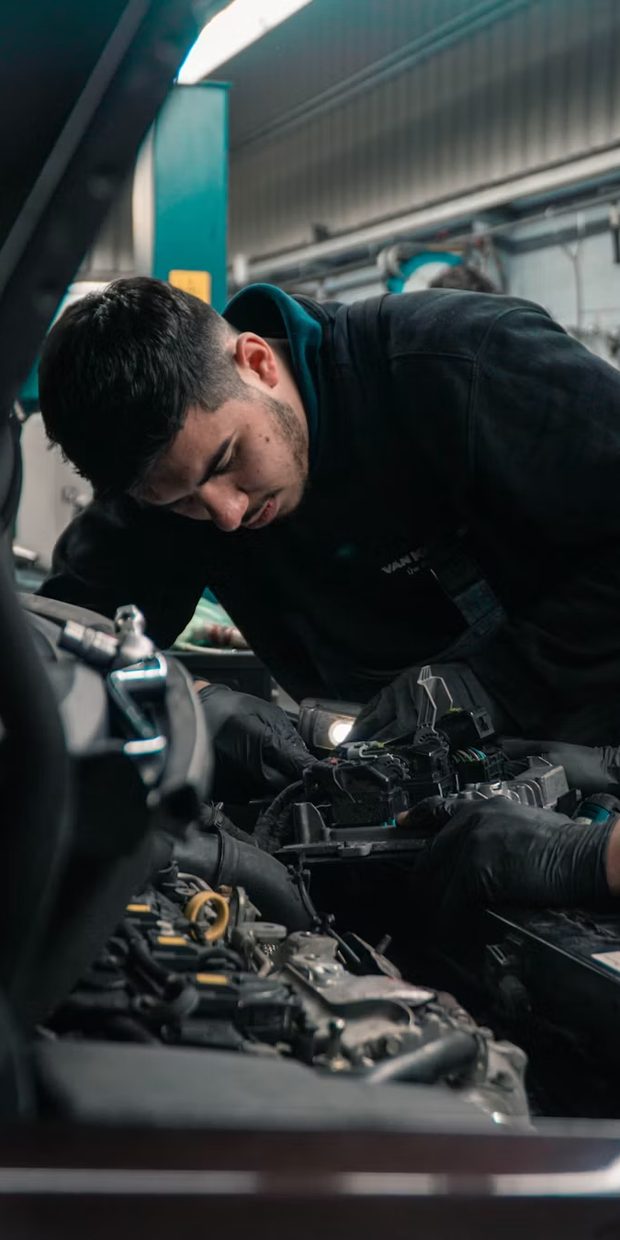




One person turns up, and it is the same one who answered the phone.
Five things, done properly
Slow machines, failed drives, broken screens, Windows that will not start. The fault is diagnosed before you are charged to fix it, so nobody pays for guesswork.
More on repairsDead spots, slow connections, a router in the wrong place, and networks for small offices that need to actually reach the back room.
Accounts, shared mailboxes, calendars and email on a domain that is yours rather than a free address that says you are not established.
Getting data off a failed drive, and setting up backup that runs without you remembering to do it. The cheapest job in this list and the one people skip.
Most things get sorted remotely the same day. When they cannot, someone comes out.
£45 an hour. No call-out charge in Luton, Dunstable, Houghton Regis, Harpenden and Batford. Remote support anywhere. Monday to Saturday, 9am to 9pm, Sundays for emergencies.
Old equipment and WEEE: before you get rid of a machine, the drive needs dealing with. Getting rid of an old computer.
Four steps, no surprises
Before you pay anything
- You describe the fault by phone, WhatsApp or email
- Most problems get an honest opinion on the spot, including "that is not worth fixing"
- The machine is diagnosed and you are told what is wrong and what it costs
- Only then does the work start
Things worth saying out loud
- An old laptop is sometimes not worth repairing, and you will be told that
- Data recovery is quoted separately, because it is the one job that can run long
- Invoices come by email. Nothing is collected automatically
- You own every account set up for you, including the domain
Accredited, not self-taught.
These sit behind the IT support work. They are on this page and nowhere else, because a barber looking for a website does not need to read them.
Cisco-certified networking. Proper WiFi and network design for homes and offices: no dead spots, sensible segmentation, and security configured rather than left on the defaults.
Microsoft Certified Desktop Support Technician. The end-user side done properly: Windows, the software on it, and the person trying to use it.
Server and cloud administration. Domains, file shares, Microsoft 365 and cloud identity, set up so they can be handed over rather than depended on.
Trained to find the weaknesses before someone else does, so systems get hardened on the way in rather than after something has already gone wrong.
Not everything in a small office is a Windows machine, and the odd one out is usually the one nobody else will touch.
Managed service provider partnerships give a one-person operation access to the tooling and licensing a much larger firm would have.
Where we go, and who we go to
IT support at home is one person, one visit, no jargon and no contract. Small business IT support covers the machines, the network and the email that the whole shop runs on.
Describe the fault. You will get an honest answer.
Including, sometimes, that it is not worth spending money on.